
How to track your board game collection
Track games as owned, played or wanted, then arrange the ones you own on a visual Kallax-style shelf. Board Game Almanac syncs your collection records between web and iOS; your personal collection page stays out of search results.
To track your board game collection online, mark catalogue games as owned, played or wanted, then arrange your owned boxes on a visual Kallax-style shelf. Sign in to open your collection, find a published game and add it; your game records and personal order sync between the website and iOS app.
Start with the three lists
Owned holds the boxes on your shelf. Played, not owned keeps games you tried at someone else’s table visible without claiming that you own a copy. Wanted is a list of games you might add later. A game you own can also have play history, so “owned” and “played” are not mutually exclusive facts. The collection page separates played games you do not own into their own tab.
To start:
- Search the catalogue for a game you own and open its record.
- Choose “Add to collection.” Your first box appears on the shelf; you can arrange it later.
- Mark games you have played or want separately, then use the collection page’s tabs to check each list.
If a game is missing from the published catalogue, it cannot appear as a normal catalogue box on the web shelf yet; a missing record is not evidence that you forgot to add it.
Arrange the shelf you actually own
Your owned games are packed into Kallax-style cubes. You can move a box by dragging it to another cube, use the move controls on a selected box, or choose one of five views: My order, Colour, Genre, Box size and A–Z. Colour uses the measured dominant front-cover colour; genre uses the catalogue category; box size uses recorded box measurements. A missing measurement gets a placeholder size, and a box too large for a standard cube is flagged rather than quietly treated as a perfect fit.
An approved official spine image appears where the catalogue has one. Otherwise the shelf uses a labelled box in the approved front cover’s measured colour. The real box cover on a game record is not automatically a licensed spine photograph.
The five arrangements have different uses:
- My order keeps the sequence you choose and lets you move boxes between cubes.
- Colour groups boxes by their measured front-cover colour.
- Genre groups them by the catalogue’s category, where recorded.
- Box size uses recorded volume and depth to surface storage problems.
- A–Z finds a title without remembering which cube you used.
For compartment measurements and oversized boxes, use the Kallax storage guide.
The web shelf’s exact cube placement is kept in that browser. Your game records and their personal order sync through your account, but do not treat the arrangement of individual web cubes as a cross-device backup.
Read the profile with its limits
The profile counts owned games and shows how many have recorded box dimensions. It can also show a top genre, common recorded mechanisms, the share of owned games marked played, your own average rating and a most-played title when you log plays. Its listed-time figure averages the midpoints of available catalogue time ranges. Its table-time figure multiplies each game’s midpoint by your logged play count. Neither measures how long your sessions took. Missing fields reduce coverage, and live USD prices are not currently connected.
The owned list shows each game’s recorded player range where available, but the profile does not calculate a player-count distribution. Check the individual game records against the group you can actually assemble. The shelf cannot tell why you bought a game or whether you enjoyed it.
That last question is worth asking yourself. The six-player box bought for a three-person regular group may be a plan, a hope, or an excellent reason to invite more people. The shelf cannot tell which. What your collection says about you treats those visible patterns as conversation starters, not a personality test.
Keep the account boundary clear
Your personalised collection is an account page and is not indexed as a search result. Its records and shelf placement belong to your account; this public guide does not reveal them. If you want to start, open your collection, use the sign-in method currently offered, and add a game you own.
The useful first check is simple: compare the games you have marked played with the games you own. It tells you what has reached the table. It cannot tell you whether an unplayed game was a mistake.
The games
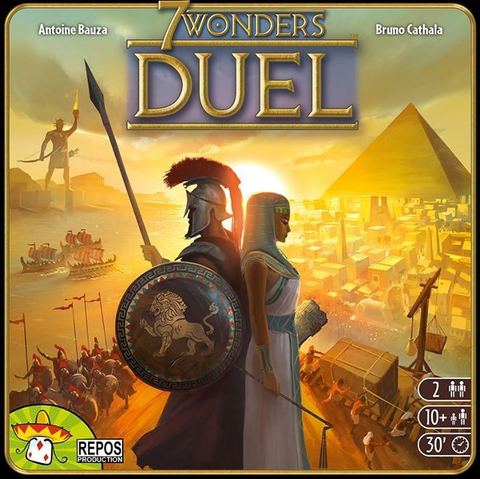
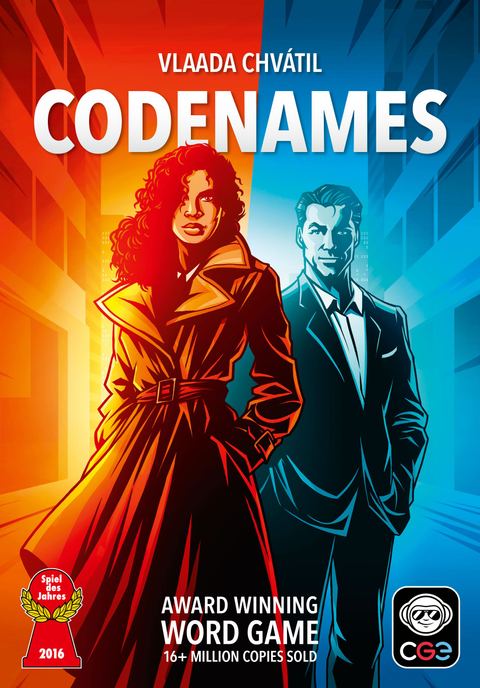
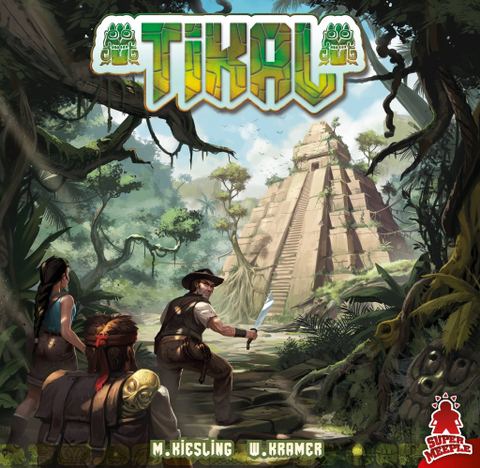
Every entry links to its full catalogue record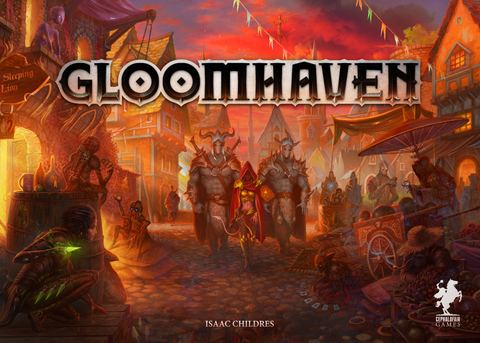


How do I track my board game collection online?
Add owned, played and wanted games, arrange a Kallax-style shelf in five ways, and read your collection profile without mistaking estimates for play history.
Open your collectionMore guides
- Buying guideBoard games past the gateway stageSix board games for groups that have enjoyed Ticket to Ride or Catan and want more strategic depth. Player counts, teach times, and fit notes for each.
- ReviewsBlood Rage, according to the people who played itFive reviewers praise Blood Rage's miniatures and card-driven combat, but split on expansion pricing, a figurine design, and whether one card distorts the game.
- Table cultureThe rule you have been getting wrongHow common rule errors stay hidden in popular games, why they rarely surface until someone checks, and what to do when you find one mid-session.